
How to Clean Phone Lists Before SMS Campaigns
A reusable B2B workflow for standardizing, validating, suppressing, and exporting a campaign-ready SMS file without wasting credits or corrupting delivery metrics.
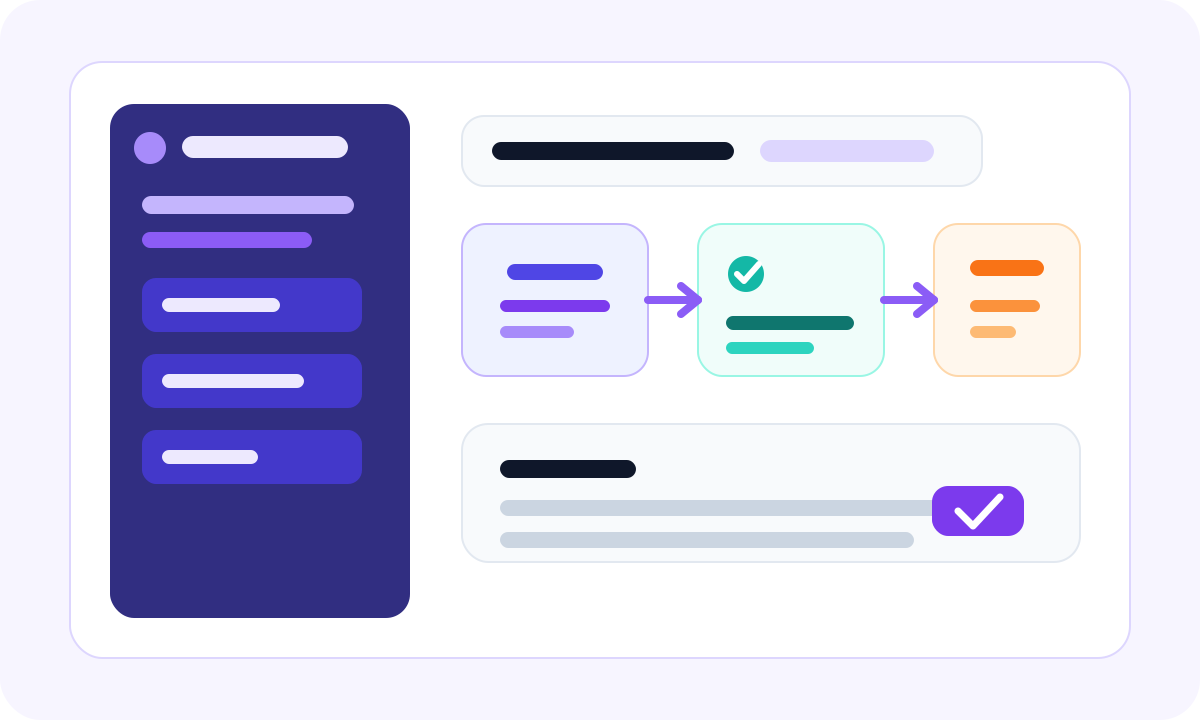
Many teams assume SMS problems start with copy, timing, or targeting. In practice, a surprising amount of waste happens much earlier, inside the contact file itself. If the list is malformed, duplicated, stale, or policy-incompatible, the campaign loses money before the first message is even delivered.
Why list cleaning matters before an SMS campaign
SMS is a high-accountability channel. You pay per message, track delivery closely, and often connect the results directly to onboarding, retention, collections, or campaign ROI. That means bad data is not a minor inconvenience. It is an operating cost.
A pre-send list-cleaning workflow helps teams do four things well:
- protect spend by removing obvious waste before message credits are consumed
- improve reporting quality by reducing invalid and duplicate contact noise
- separate technical deliverability from policy and consent decisions
- create a repeatable launch checklist that operations teams can audit
- one source export
- one normalization pass
- three final outputs with clear ownership
If you validate only after a campaign underperforms, you learn too late and you pay twice: once in wasted credits and again in bad reporting.
The six-step workflow teams can reuse every time
The most useful article template for operations teams is one that reads like a Markdown playbook. It should be scannable, practical, and easy to convert into an SOP later. That is why this page uses direct headings, simple lists, inline notes, and table-friendly sections.
1. Export a source file with context
Include the phone number, country, source system, campaign identifier, consent state, and last update timestamp whenever those fields exist. The goal is not just validation. The goal is a final send decision backed by context.
2. Normalize the numbers first
Convert records into one standard format such as E.164. Remove whitespace, punctuation noise, and conflicting country assumptions before deeper validation logic starts.
3. Deduplicate before you spend validation credits
If the same normalized number appears across multiple rows, you should collapse or segment it before paying to check the same destination more than once.
4. Run phone quality checks
This often includes syntax validation, country consistency, carrier data, line type, and a business-specific risk decision such as whether VoIP traffic is allowed.
5. Apply campaign policy rules
A technically valid number can still be unsendable because of consent status, unsubscribe history, compliance restrictions, or market coverage rules.
6. Export three files, not one
- Send file for approved records only
- Suppression file for invalid or blocked records
- Review queue for ambiguous records that need a human decision
What to suppress before sending
Teams often ask what should be excluded before a campaign goes live. The answer depends on provider support, country coverage, compliance policy, and use case. But the baseline suppression logic is usually consistent across most B2B operations teams.
| Segment | Why it should be reviewed or removed | Typical action |
|---|---|---|
| Malformed numbers | They fail formatting or country logic before a real routing decision can even happen. | Suppress immediately |
| Duplicates | They waste credits and can trigger repeated outreach to the same contact. | Keep one canonical row |
| Unsupported line types | Some campaigns should not target landline, VoIP, or restricted routes. | Suppress or reroute |
| Policy-blocked contacts | Valid phone status does not override consent or legal restrictions. | Suppress immediately |
| Ambiguous records | Country, source, or quality signals are incomplete. | Manual review queue |
How to score the final list before upload
You do not need a complex machine learning model to make better send decisions. A compact operations scorecard is usually enough. The goal is to keep launch criteria explicit and reusable.
Recommended score logic
- Send if format, routing, and policy signals are all clean
- Review if the phone is technically plausible but source context is incomplete
- Suppress if the number is malformed, blocked, duplicated, or policy-restricted
status = "send"

if invalid_format or blocked_by_policy:
    status = "suppress"
elif duplicate_number:
    status = "suppress"
elif line_type not in allowed_line_types:
    status = "review"
elif country_confidence == "low":
    status = "review"
This kind of logic converts cleanly from Markdown documentation into an internal checklist, a spreadsheet formula, or a real API workflow.
Sample ops checklist
The following is the kind of content block that should render cleanly whether the article was hand-written in HTML or later generated from Markdown.
Before validation
- freeze the campaign export so multiple owners are not editing the file during validation
- confirm the country and source-system columns are present
- make sure duplicate rules are defined before the validation run
Before send
- review suppression volume against the usual benchmark for that campaign type
- spot-check a sample of records marked for manual review
- store the final send file and suppression file with a timestamped version name
## Launch checklist

- Normalize phone numbers
- Remove duplicates
- Run validation
- Export three outputs

> Clean first, send second.

| Segment | Action |
|---------|--------|
| Invalid | Suppress |
| Risky   | Review   |
| Clean   | Send     |
Common mistakes teams still make
Validating too early and sending too late
Freshness matters. If a file sits untouched for weeks after validation, your technical confidence decays and your launch assumptions become less reliable.
Confusing validation with consent
A deliverable phone number is not proof that a message should be sent. Technical quality and permission status should be tracked separately.
Shipping one output instead of three
Teams that keep only one final CSV lose traceability. Over time, that makes it harder to explain why records were sent, suppressed, or escalated for review.
If you want article pages that are truly reusable, this is the layer that matters most: the structure should stay stable even when the subject changes from SMS list cleaning to WhatsApp registration checks, carrier lookup, or phone validation APIs.
FAQ
How often should I clean an SMS list?
For scheduled sends, a final refresh within 24 to 72 hours is a practical default. For live product workflows, validate in the event path instead.
Should I validate the whole CRM?
Usually no. Start with active campaign segments, then build recurring hygiene jobs for the broader database.
Why build an article template like this?
Because this format supports Markdown-style authoring, long-form readability, embedded tables, code samples, images, and clear section anchors without redesigning every new article page from scratch.